
Prepress Services Built for Precision and Accuracy

Our prepress experts prepare your files with meticulous attention to detail, ensuring flawless print results from the first proof to the final press run.

Why Prepress Matters for High-Quality Print Projects

At Data Reproductions Corporation, prepress is the foundation of every successful print project. Our team carefully reviews, prepares, and optimizes your files to ensure they enter production without errors. From advanced color management to thorough file checks, we streamline your workflow, reduce risks, and guarantee that your final printed pieces match your vision.
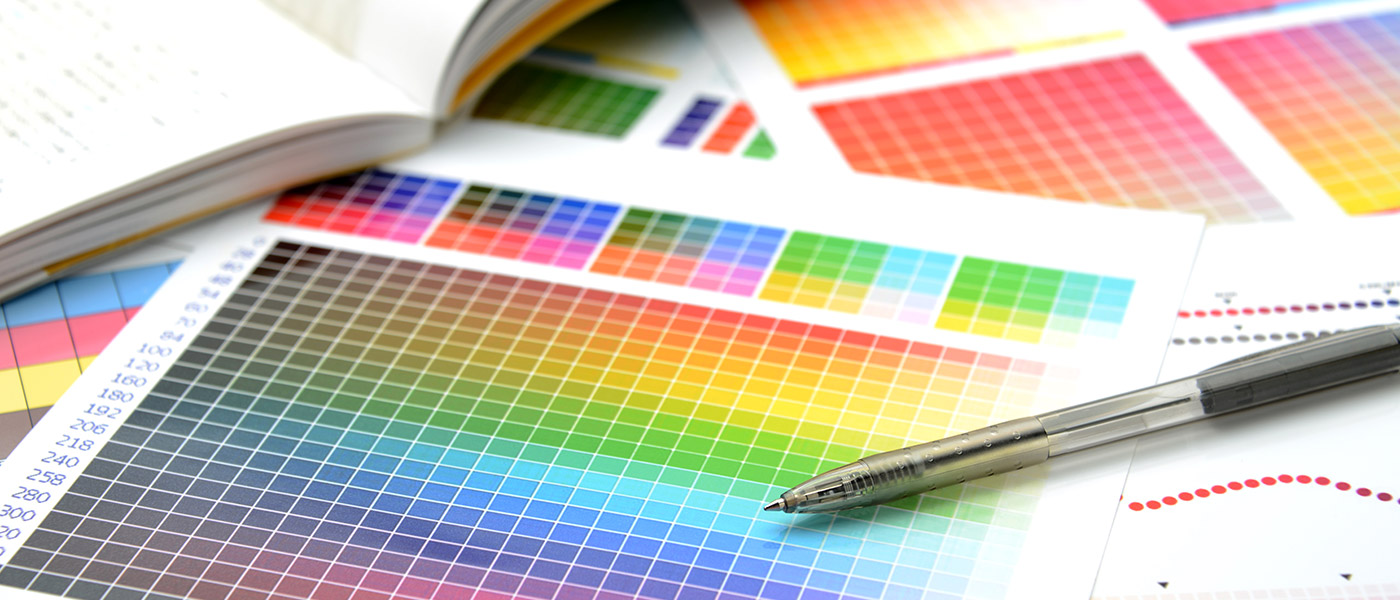
Color Management image
File Prep Icon

File Preparation Guidelines

Proper file preparation is critical for achieving high-quality print results. We guide our clients to submit artwork that meets industry standards, including:

Color Management Icon

Color Management & Proofing

We maintain strict control over color throughout the production process to ensure consistency across all outputs. Our services include:

Preflight Icon

Preflight & Quality Checks

Every job undergoes a thorough preflight inspection before it reaches the press. Our process includes:

Adobe Icon

Software & Technology

We leverage the latest prepress tools to maintain precision and efficiency:

File Preparation Guidelines

FAQs

Q. Why do my colors look different on screen vs. print?
A. Colors look different on screen versus print because screens and printing presses use completely different color systems, technologies, and gamuts. Even with perfect color management, they will never match perfectly, but they can be made very close.
Q. What is bleed and why is it important?
A. Bleed is artwork that extends beyond the final cut size, usually by 1/8 inch (0.125") on all sides. For example, if your finished piece is 8.5 x 11, the file you send to print should be 8.75 x 11.25 when bleed is included.
Q. Should I use RGB or CMYK for my files?
A. For print files, you should deliver CMYK, but you should work in RGB while designing.
Q. Why are Type 1 fonts not recommended?
A. Type 1 fonts are not recommended because they are an old, outdated font format that causes serious problems in modern print and PDF workflows.
Q. What is rich black vs. 100% black?
A. 100% black
For print files, you should deliver CMYK, but you should work in RGB while designing.
  • This is a single-color black using 100% K (Key/Black) in CMYK.
  • It is used for text and fine lines because it prints cleanly and sharply.
  • On coated or uncoated paper, it may look a little gray or flat compared to richer blacks.
Example CMYK value: C:0 M:0 Y:0 K:100
Use: Body text, small details, line art, or barcodes.
A. Rich Black
  • Rich black is a composite black made by combining black (K) with additional CMY inks (cyan, magenta, yellow).
  • This makes the black appear darker, deeper, and more vibrant.
  • It is ideal for large areas of black, backgrounds, or bold graphics.
Example CMYK value: C:60 M:40 Y:40 K:100
Use: Large black areas, backgrounds, full-page blacks, bold headings.
Q. Which PDF settings should I use?
A. PDF/X-1a:2001 or PDF/X-4:2010
  • PDF/X-1a: Flattened transparency, CMYK only, embedded fonts, widely accepted by traditional presses.
  • PDF/X-4: Supports live transparency, layers, and optional RGB/spot colors; good for modern workflows.
Q. Do you accept Word or PowerPoint files?
A. No, we don't use Word or PowerPoint files as final print-ready documents. These programs are designed for on-screen presentations and office use, not professional printing. Issues include:
  • Fonts: Word and PowerPoint may substitute fonts or fail to embed them properly.
  • Color management: Files are usually RGB and do not support CMYK or ICC profiles for accurate print color.
  • Image resolution: Graphics may be compressed or low-resolution, resulting in blurry prints.
  • Bleed and crop marks: These programs cannot reliably create bleed or trim marks needed for printing.
  • File stability: Charts, graphics, and layouts can shift or rasterize during conversion.
Recommended workflow:
  • 1. Fonts: Word and PowerPoint may substitute fonts or fail to embed them properly.
  • 2. Color management: Files are usually RGB and do not support CMYK or ICC profiles for accurate print color.
  • 3. Image resolution: Graphics may be compressed or low-resolution, resulting in blurry prints.
  • 4. Bleed and crop marks: These programs cannot reliably create bleed or trim marks needed for printing.
  • 5. File stability: Charts, graphics, and layouts can shift or rasterize during conversion.